TIMELINE
JAN 2025 – MAY 2025
PROJECT TYPE
Final Year Project
ROLE
Co-Developer, Team of 2
STACK
Python • Flask • OpenCV • SQLite
SECURITY
AES-128 + DWT Steganography
AUTHENTICATION
3-Stage Verification
Project Overview
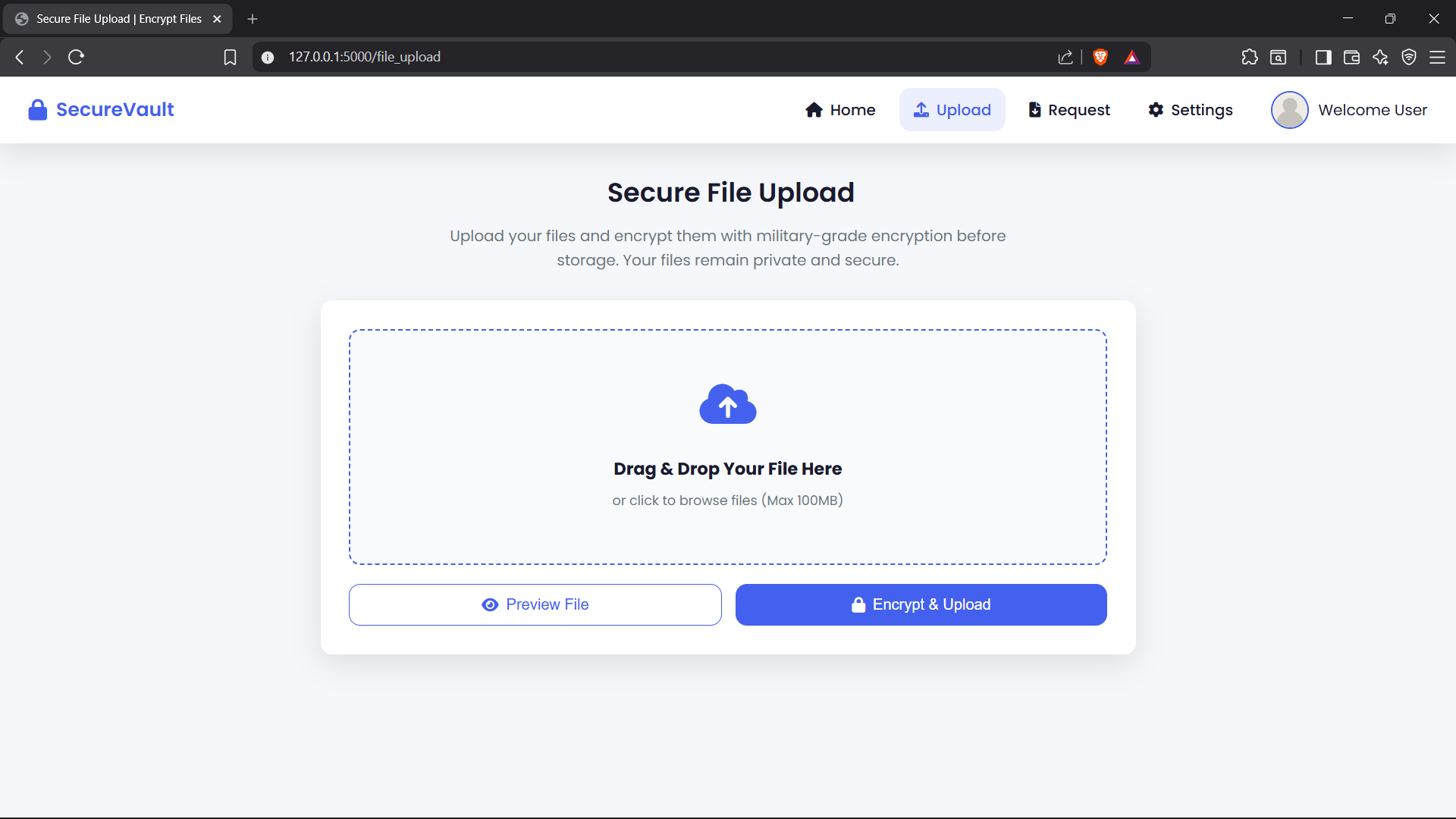
This project replaces the usual username and password login with three checks in a row: your credentials, a verification image, and a four-digit PIN picked from images instead of typed. It was built as a final year project at Anand Institute of Higher Technology, in a team of two. Once logged in, users can upload files that are encrypted with AES before they are stored. Other users can request a file, and they can only open it after the owner approves. The work was also written up and published as a research paper.
Key highlights
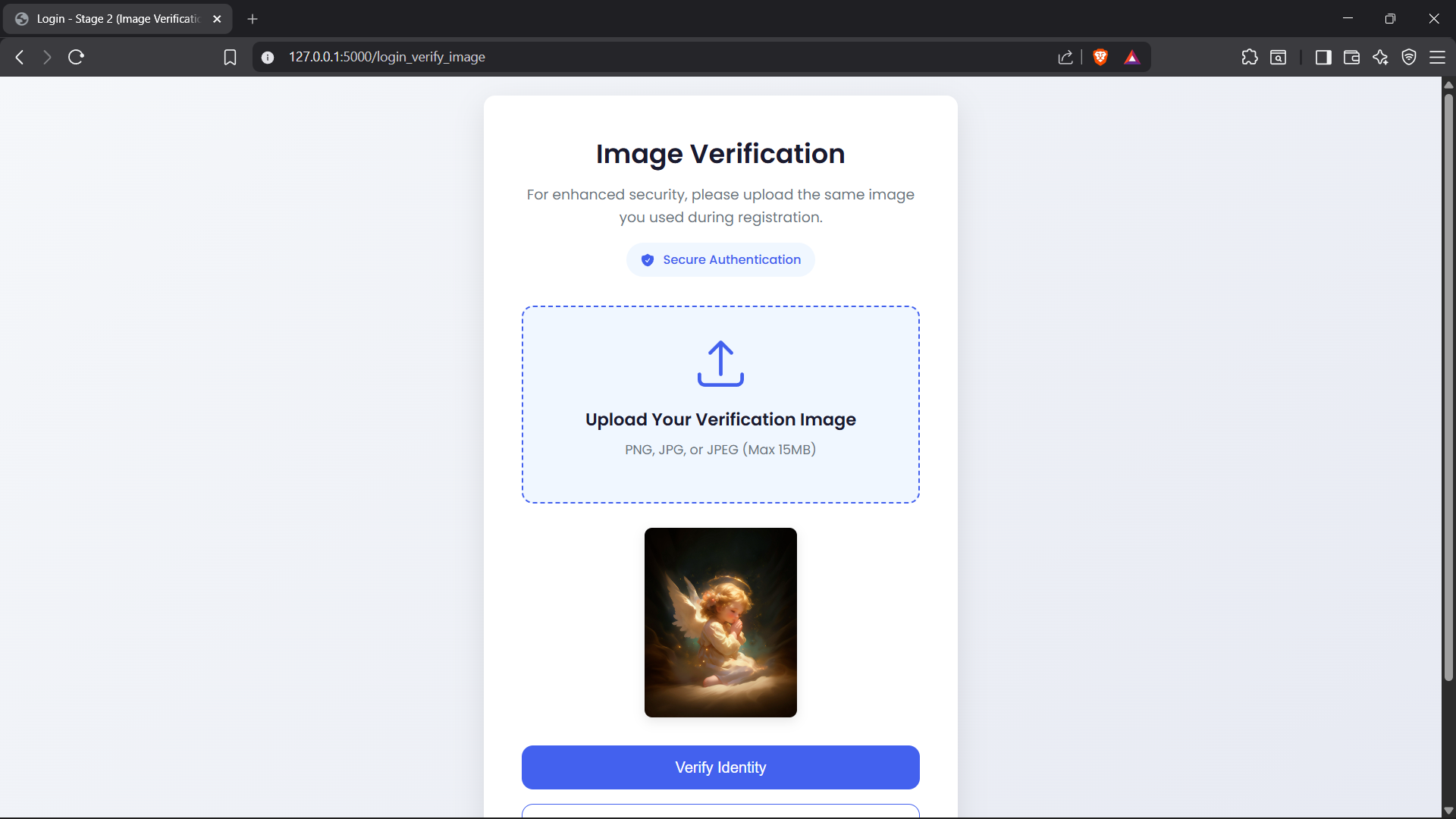
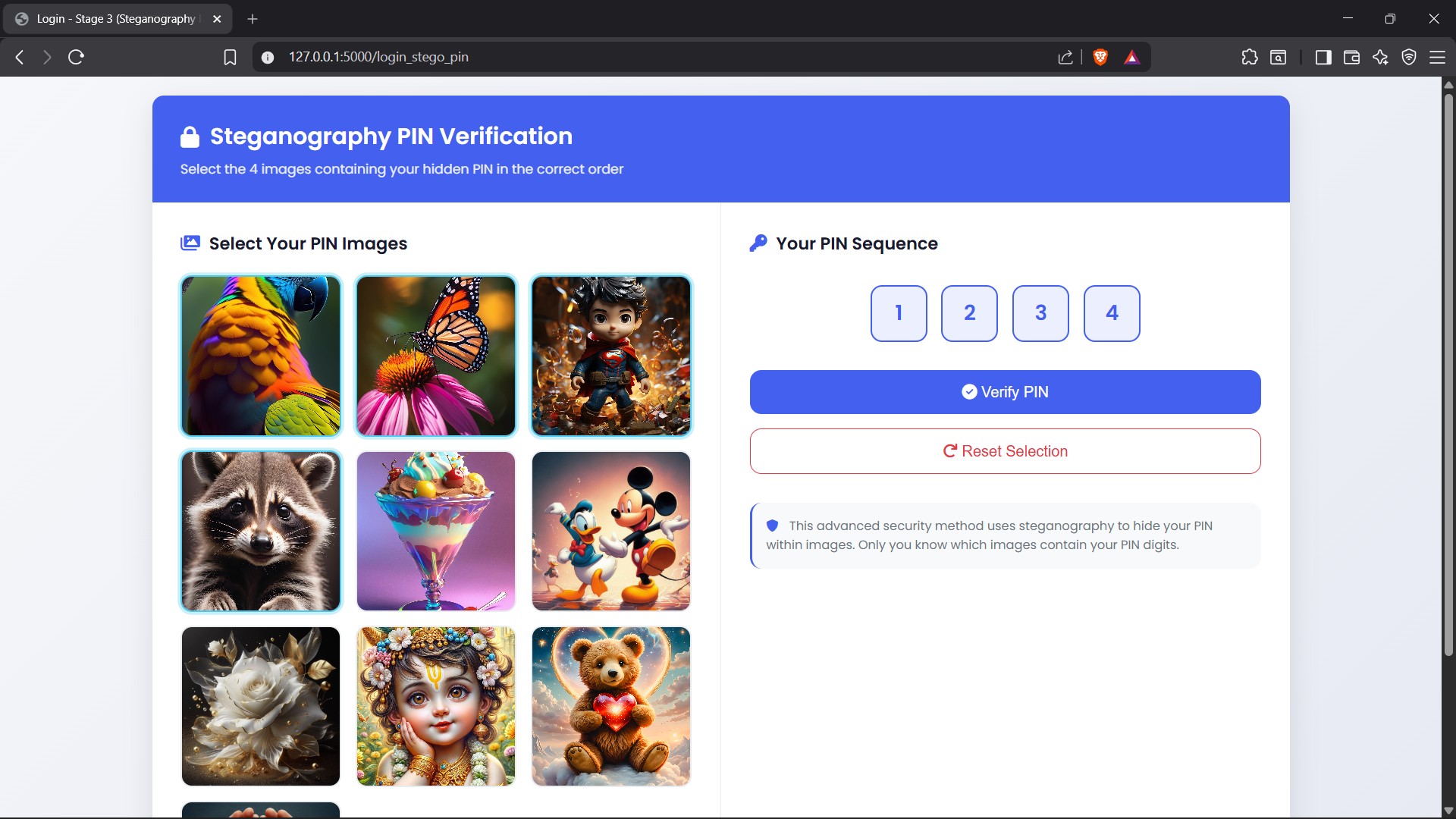
- Built a three-stage login: email and password, image verification, then an image-based PIN.
- Used Haar DWT steganography to hide the user's email inside their verification image.
- Matched login images with OpenCV colour histograms, accepting a similarity of 0.9 or higher.
- Encrypted every uploaded file with AES-128 in EAX mode, using a fresh key per file.
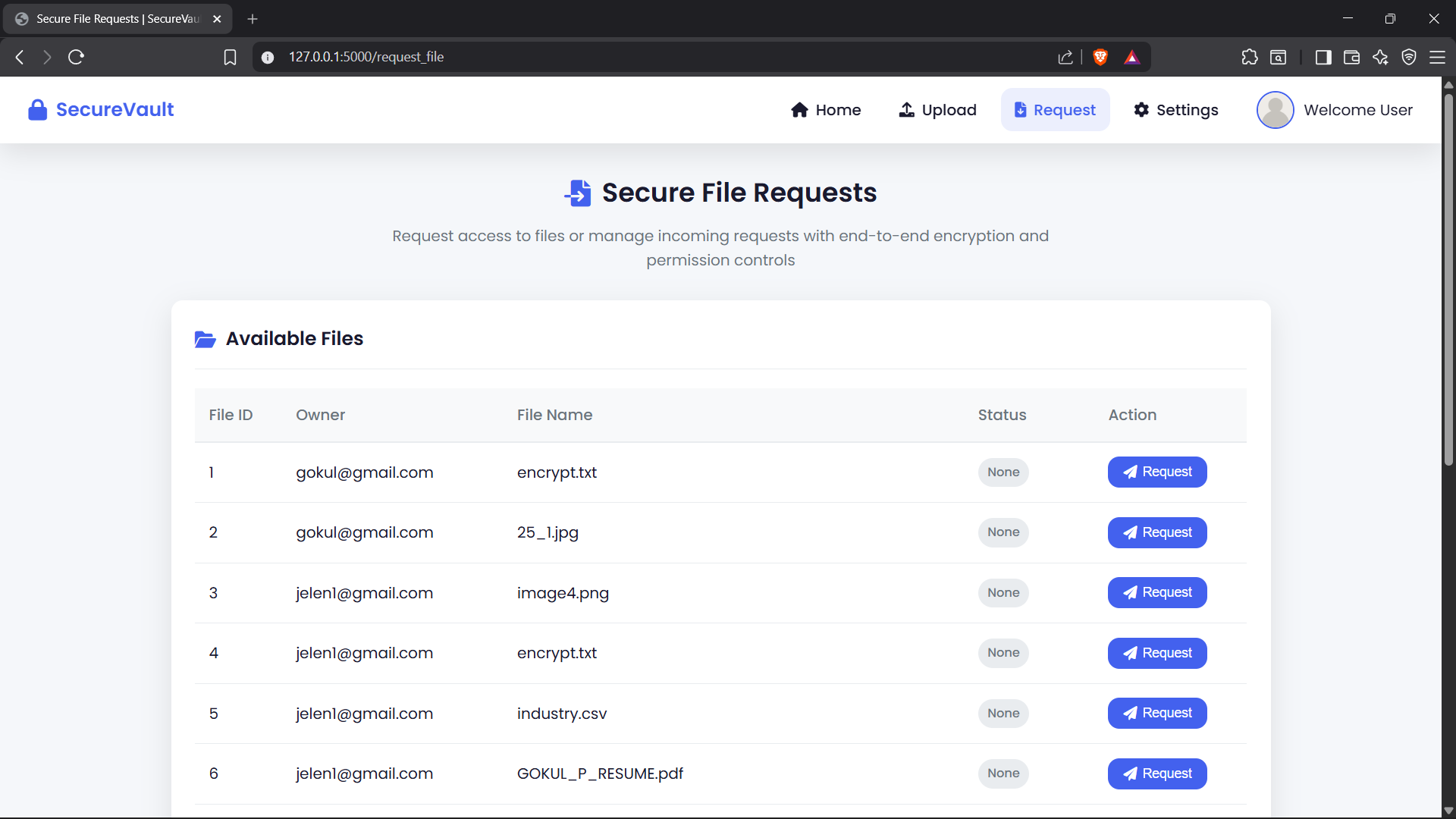
- Added a request and approval flow, so only approved users can view or download a file.
- Published the work as a research paper in IJARCCE, April 2025.
Problem Statement
Text passwords are easy to guess, reuse, phish, or watch over someone's shoulder, and most file sharing tools protect files with little more than HTTPS. Once a login is broken, everything behind it is exposed. The goal was a login that is harder to break but still easy for a person to remember, combined with file storage that stays protected even if someone gets into the database.
Solution Approach
Login runs in three stages. First, the user signs in with email and password. Second, they upload their verification image, and the system compares it with the one registered. Third, they enter a four-digit PIN by choosing images instead of typing numbers. Each stage only opens if the previous one passed. After login, every uploaded file is encrypted with AES before it is stored. To share a file, another user sends a request, and the owner has to approve it. Only then can the file be decrypted and opened.
Architecture Overview
A Flask application with a single SQLite database, split into authentication, image processing, encryption, and file sharing logic.
- Registration happens in two steps: profile and verification image first, then the image-based PIN.
- Login runs the three checks in order, and each stage redirects back to login if the earlier one is missing.
- The user's email is embedded in the green channel of the verification image using a one-level Haar DWT, then saved as a lossless PNG.
- Uploads are encrypted with PyCryptodome (AES-EAX), and the ciphertext, key, nonce, and tag are stored in SQLite.
- View and download routes check ownership or an approved request, then decrypt and verify the authentication tag before sending anything.
- A viewer page previews decrypted text and image files in the browser, and other files download directly.
Tech Stack
Backend
- Python
- Flask
- SQLite
Security
- AES-128 (EAX)
- PyCryptodome
- DWT Steganography
Image Processing
- OpenCV
- PyWavelets
- NumPy
Frontend
- HTML
- CSS
- JavaScript
Key Features
- Three-stage login covering credentials, a verification image, and an image-based PIN.
- Verification image that carries the user's email hidden inside it with DWT steganography.
- Image matching with OpenCV colour histograms and a 0.9 similarity threshold.
- PIN entry from a grid of images instead of typed numbers.
- Registration with name, email, date of birth, phone, address, and gender.
- Passwords stored as SHA-256 hashes, never as plain text.
- AES-128 encryption for every uploaded file, with a unique key per file.
- Uploads for documents, images, and zip folders.
- File requests that the owner must approve before anyone else can open the file.
- Integrity check on every decryption, so a tampered file is rejected.
- In-browser preview for decrypted text and image files, and direct download for the rest.
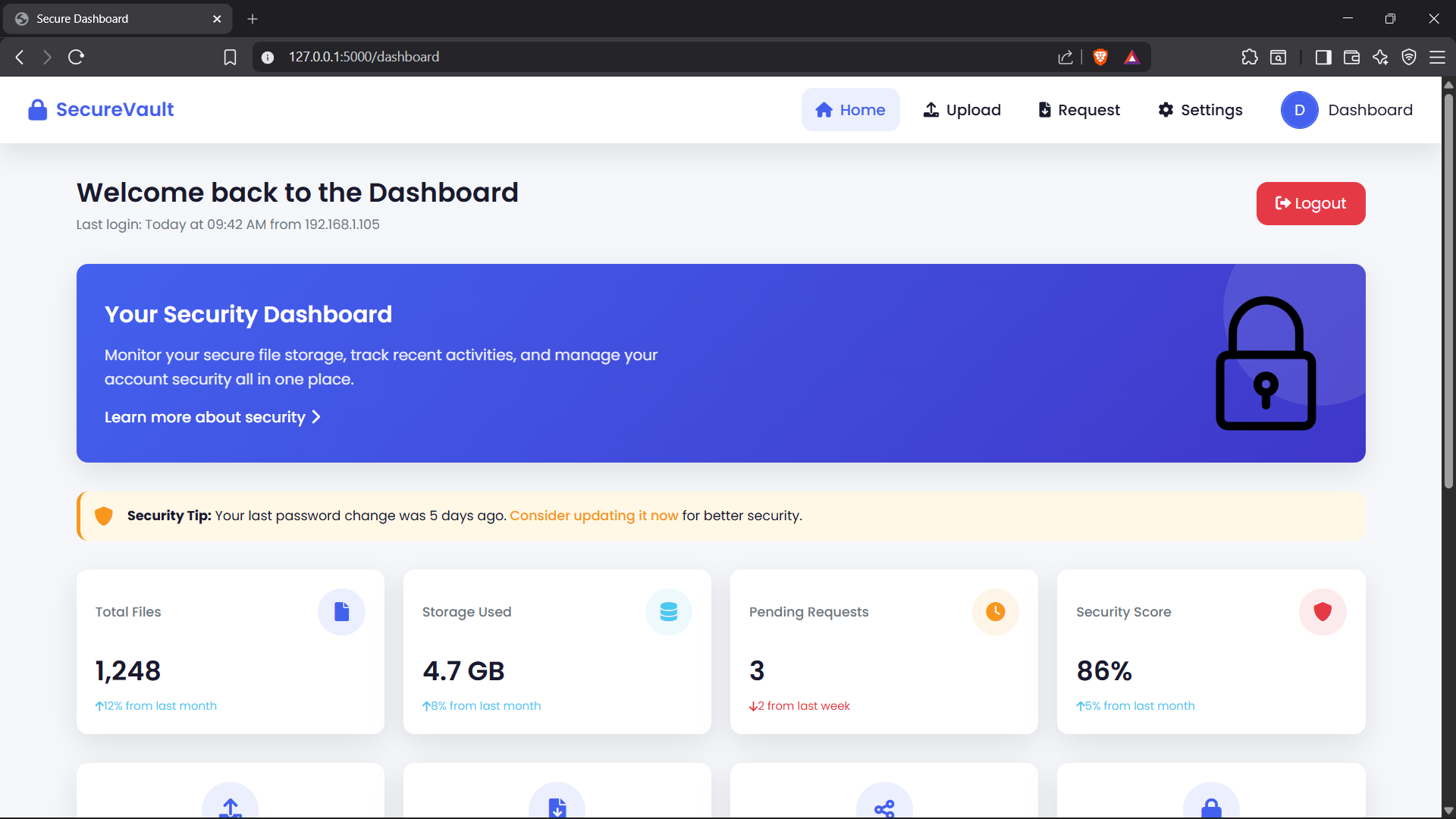
- User dashboard for uploads, requests, and account details.
Lessons Learned
Retrospective
Building this showed me that adding layers does not automatically make a system secure. Each stage had to be simple enough for a person to finish, and the order mattered, because every stage only unlocks the next one. DWT steganography was where I learned the most. Hiding data in wavelet coefficients is easy to describe, but getting the embedding, the image format, and the capacity checks right took a lot of testing. Saving the image as lossless PNG was essential, because compression destroys the hidden bits. Encryption taught me that the algorithm is only half the problem. AES-EAX gave us encryption and tamper detection in one step, but where the keys are stored matters just as much. If I built a second version, I would hash passwords with a salted algorithm like bcrypt, hash the PIN too, keep encryption keys apart from the files they protect, and use the hidden image data as part of the login check.
System Screenshots & Wireframes
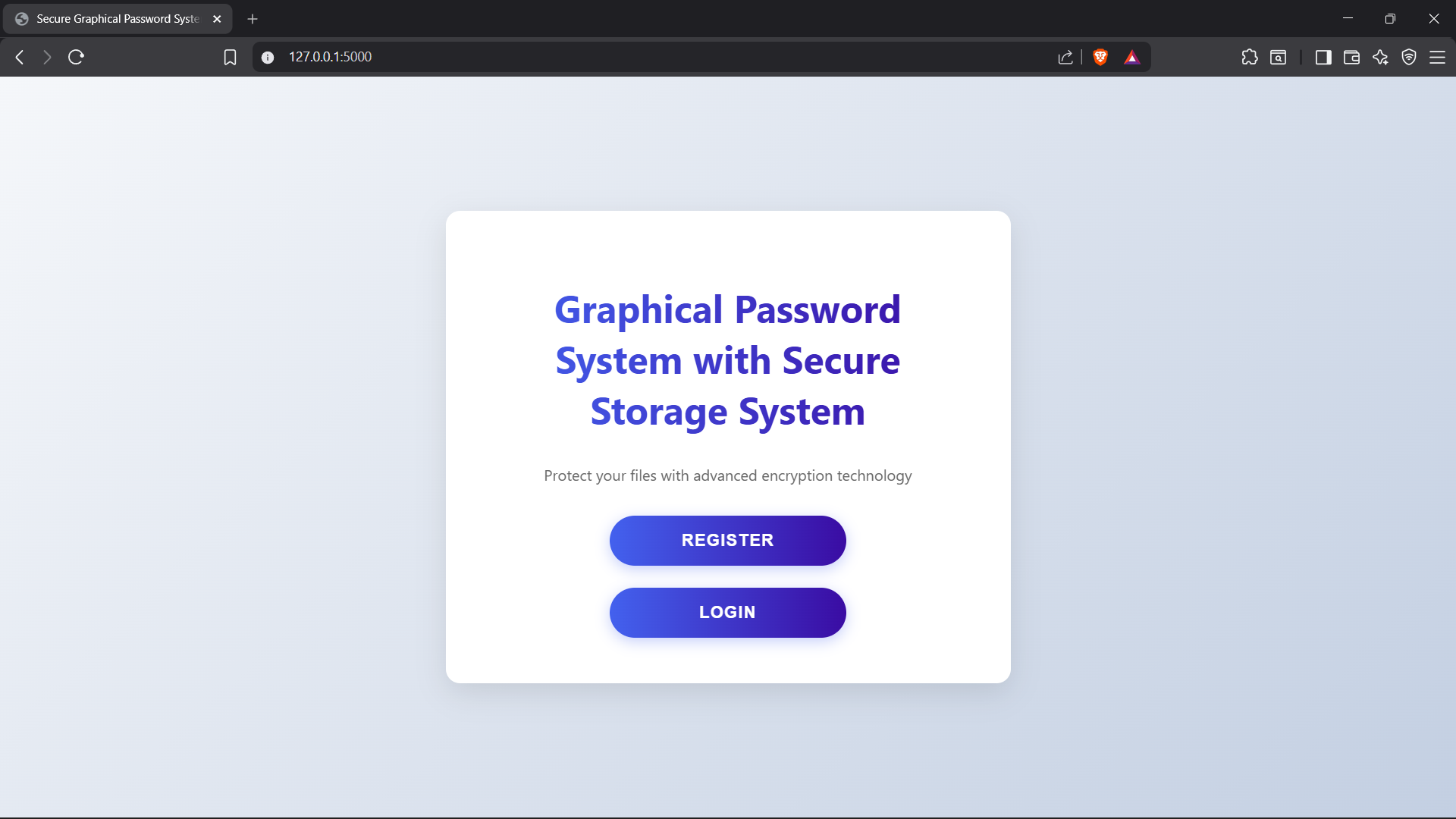
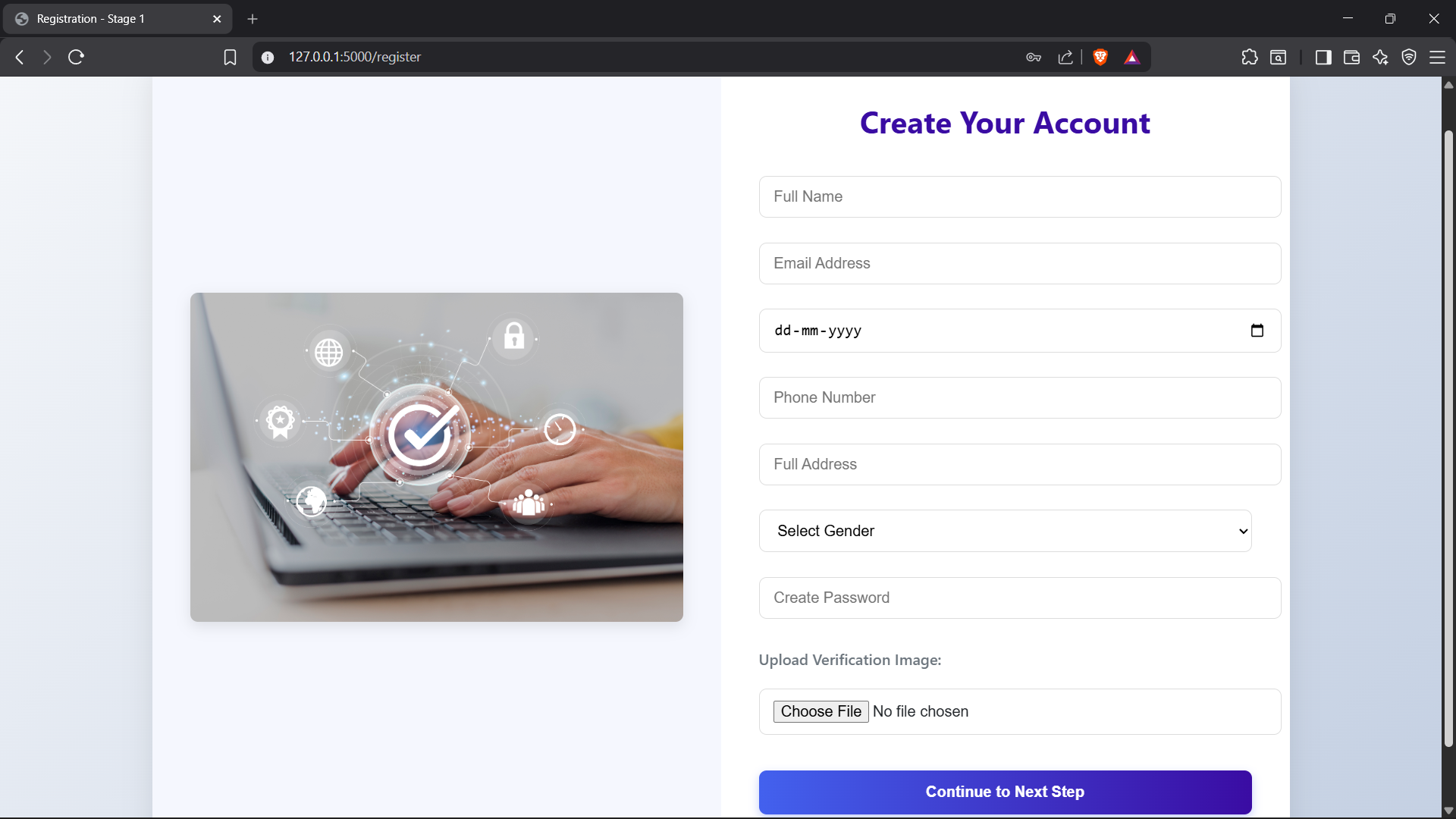
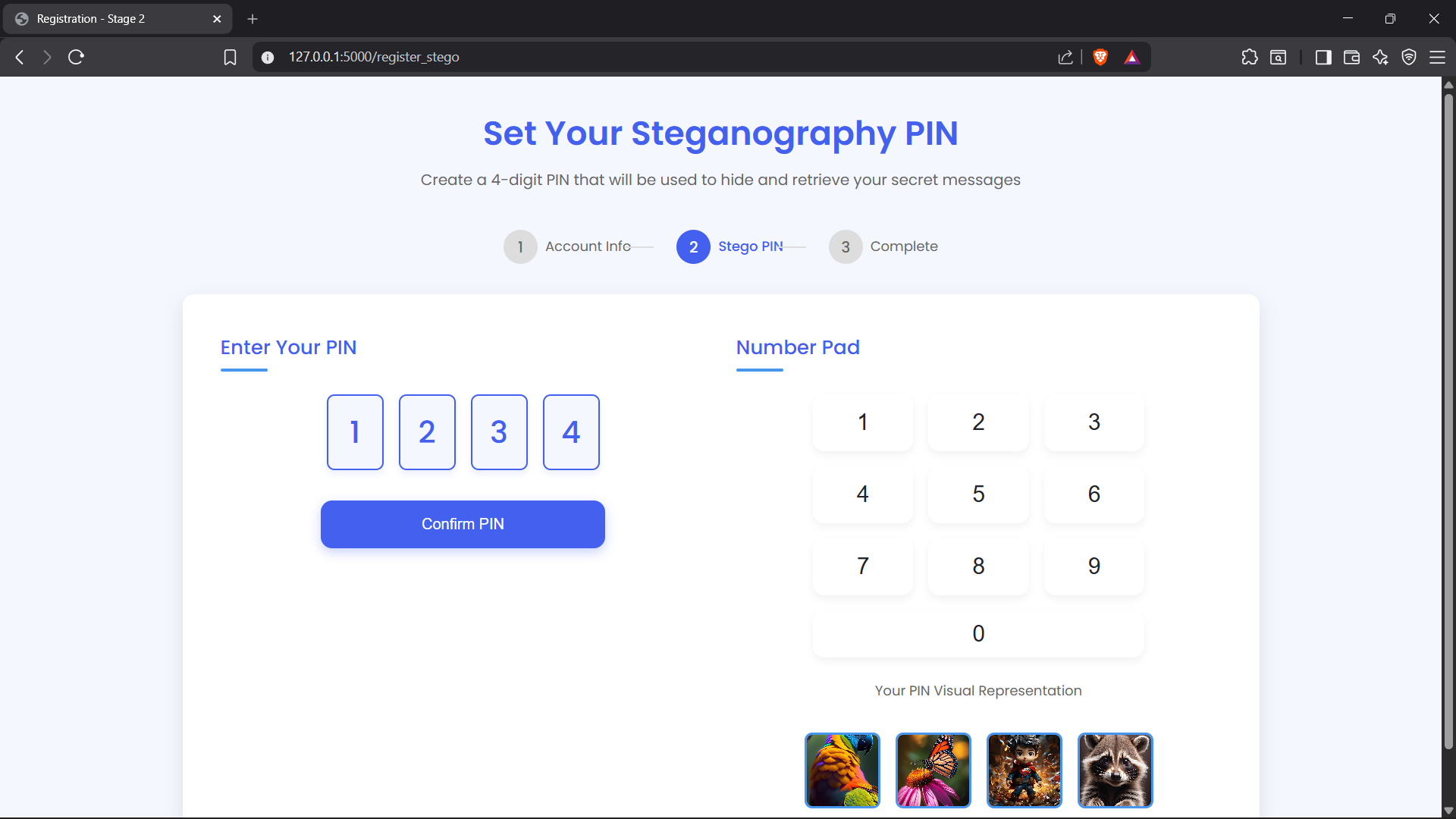
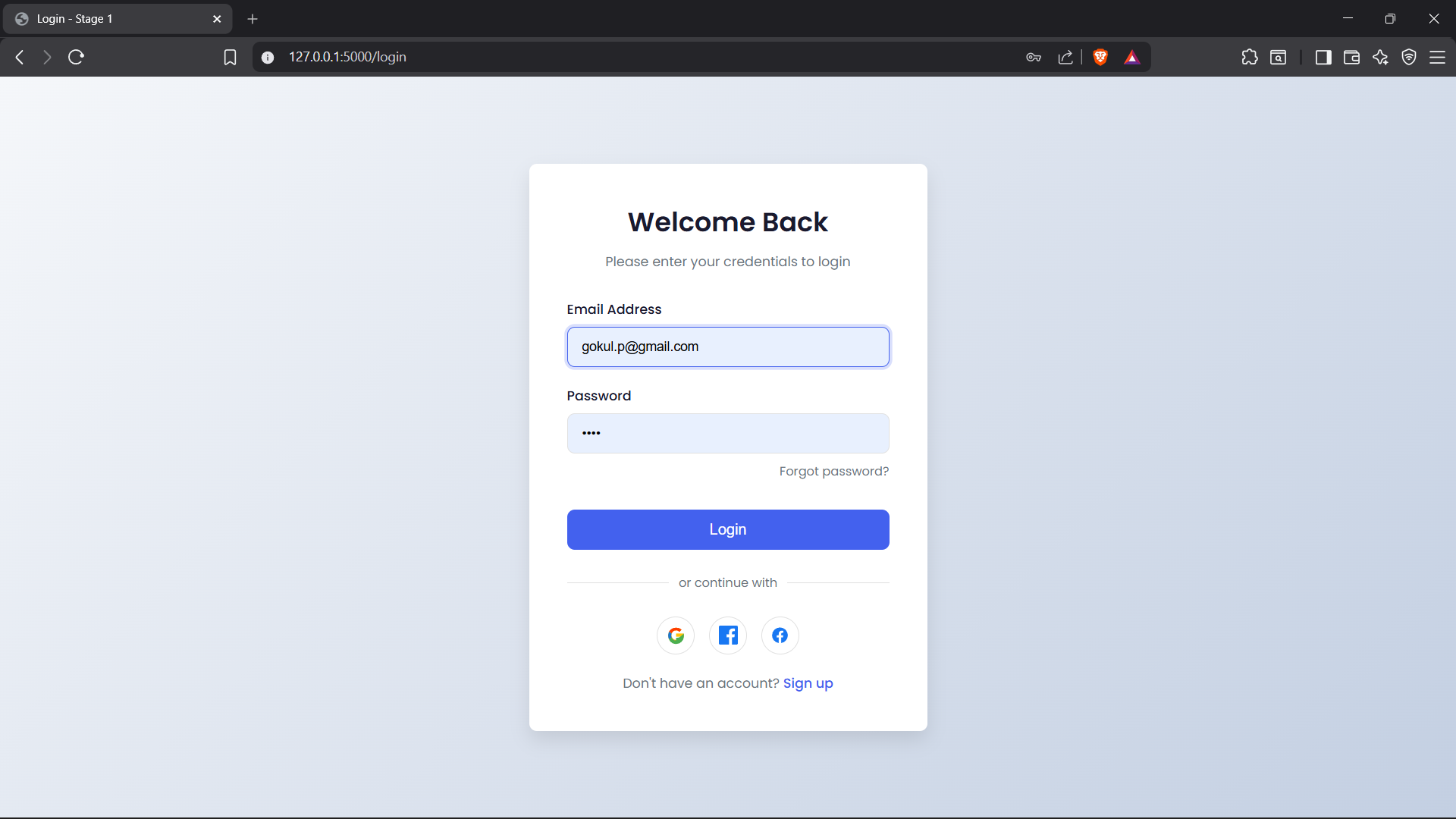
01. Landing Page